
Data Analysis Software InfoZoom:
data analyses tailored to your dynamic daily business
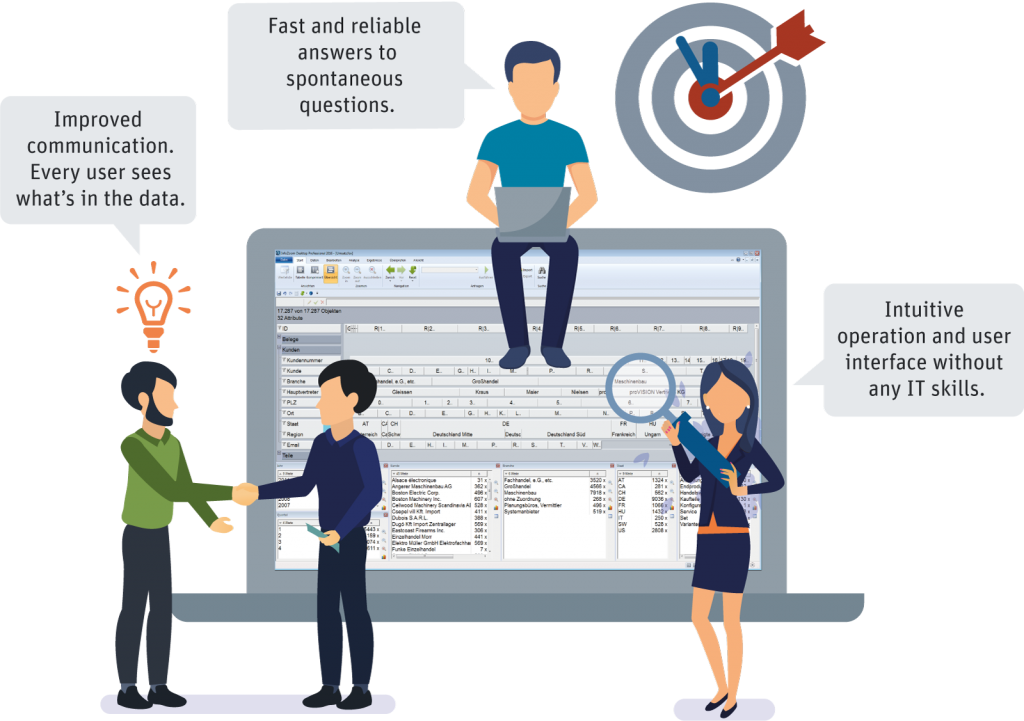
We bet you’ve never seen your data this way before! InfoZoom is a software solution for self-service data evaluation. With the data analysis software InfoZoom users can do spontaneous analyses in next to no time and reveal weak points intuitively. Simple data filtering, the combination of various data sources, data checking, detailed analyses and many other features help you stay on top of your data so that you can always react flexibly and put together reliable analyses.
How InfoZoom works

Mit dem Laden des Videos akzeptieren Sie die Datenschutzerklärung von YouTube.
Mehr erfahren
Load any data volumes, even large ones, into the software within seconds. Select your data in any way you want. Determine filters and data ranges.
Mit dem Laden des Videos akzeptieren Sie die Datenschutzerklärung von YouTube.
Mehr erfahren
Check how values are distributed in your data. Ensure that your data are reliable and complete. Classify and structure your data in no time.
Mit dem Laden des Videos akzeptieren Sie die Datenschutzerklärung von YouTube.
Mehr erfahren
Determine relevant KPIs with just a few clicks. Create comprehensive analyses. Publish your results. Make sound decisions.
Data Analysis Software InfoZoom – Your Benefits at a Glance
Quick &
Time-Saving
- Analyze millions of data within seconds.
- Save a considerable amount of time.
- Make prompt
decisions.
Flexible & Spontaneous
- Find answers to new questions in no time.
- Keep up with changing requirements.
- 10 min. from installation to first analysis.
Reliable & Transparent
- No gray areas, new perspectives.
- High data quality for well-founded analyses.
- A solid basis for reliable decisions.
Easy &
Intuitive
- Flexible analyses in specialist departments.
- Intuitive operation and user interface.
- No special IT skills required.
Efficient & Complementary
- Efficiently analyze millions of data.
- Easily combine various sources.
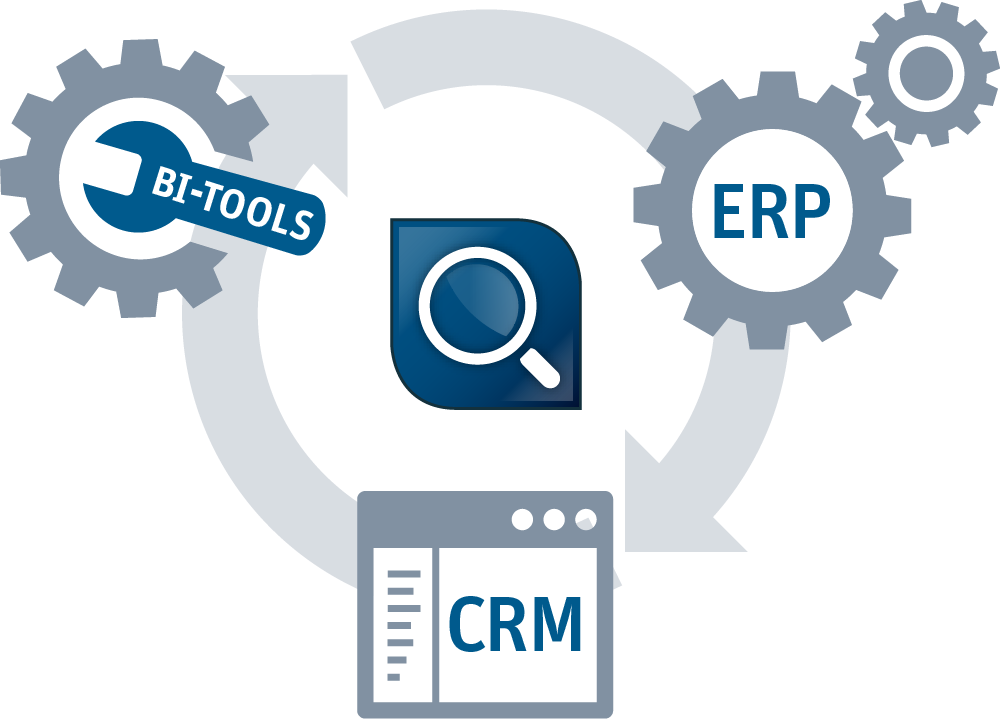
- Supplement BI, CRM and ERP systems.
We organize your data –
look and see
Endless lists, columns and rows… How to organize millions of data? How is this supposed to be done? The visual concept of InfoZoom makes it possible. We bet you’ve never seen your data this way before! You don’t believe it? See for yourself! No other tool makes it easier to interpret and understand your data at the push of a button.

Import data &
compare data sources
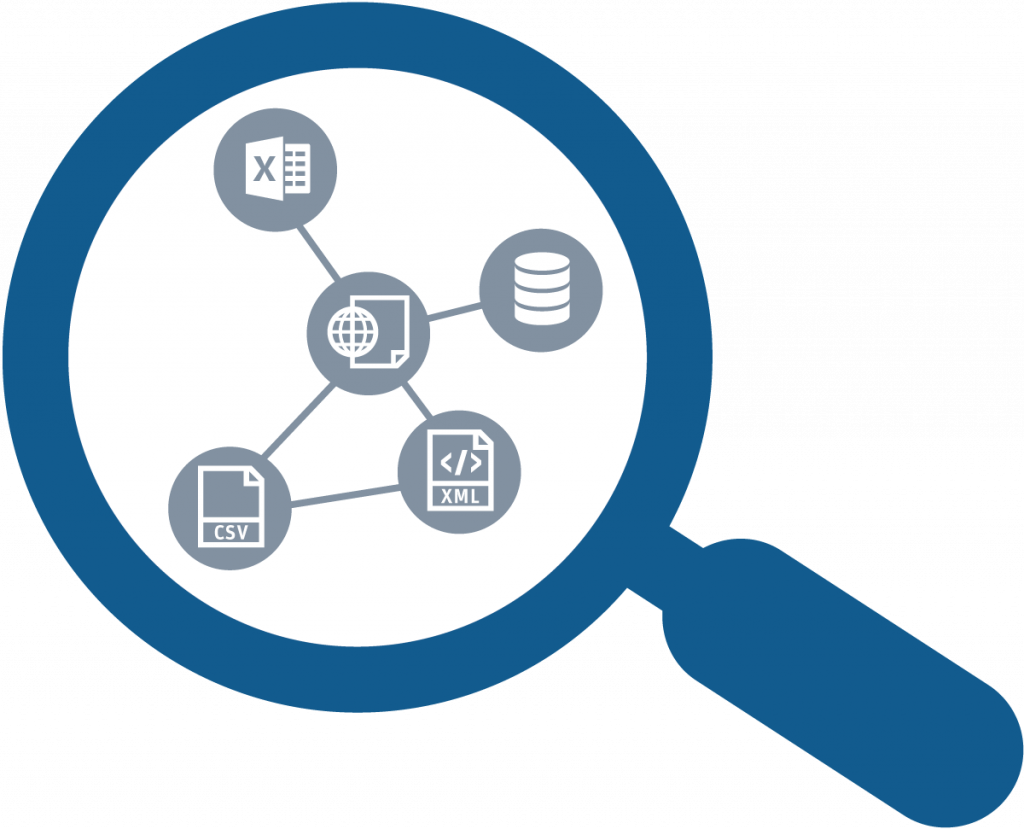
Your data are imported in a flash – no matter if they come from a database, Excel, CSV files, XML files or a URL. With just a few clicks, you can easily combine different data sources with each other to compare them. This gives you a complete overview of your data basis.
Easy as pie – answer questions quickly and flexibly
You can easily handle any analyses with InfoZoom, from simple formulas through to complicated questions. No special IT skills required. With just a few clicks, you can create any desired selection and answer questions in no time.

Where time meets quality
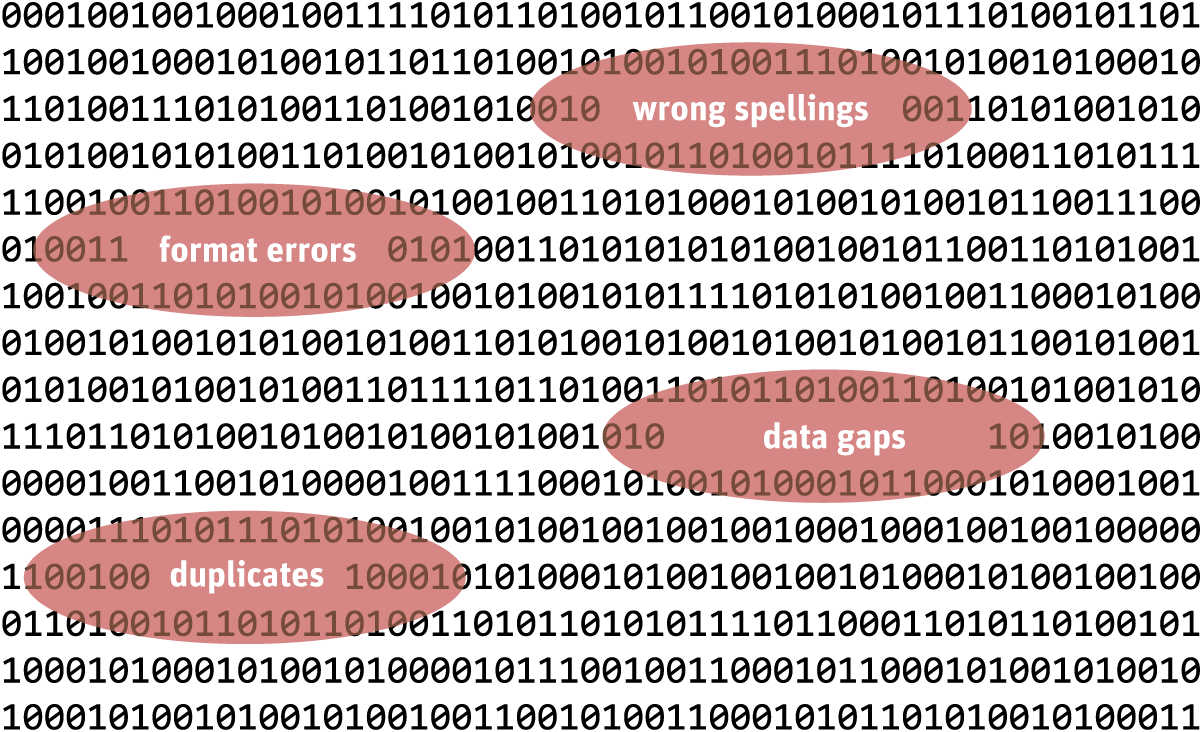
Check your data BEFORE you analyze them: reveal critical data constellations, plausibilize data, detect duplicates, standardize different spellings, find format errors – everything at the push of a button. This doesn’t only provide you with quick results, but also makes your decisions more reliable!
Reports on demand –
KPIs within seconds
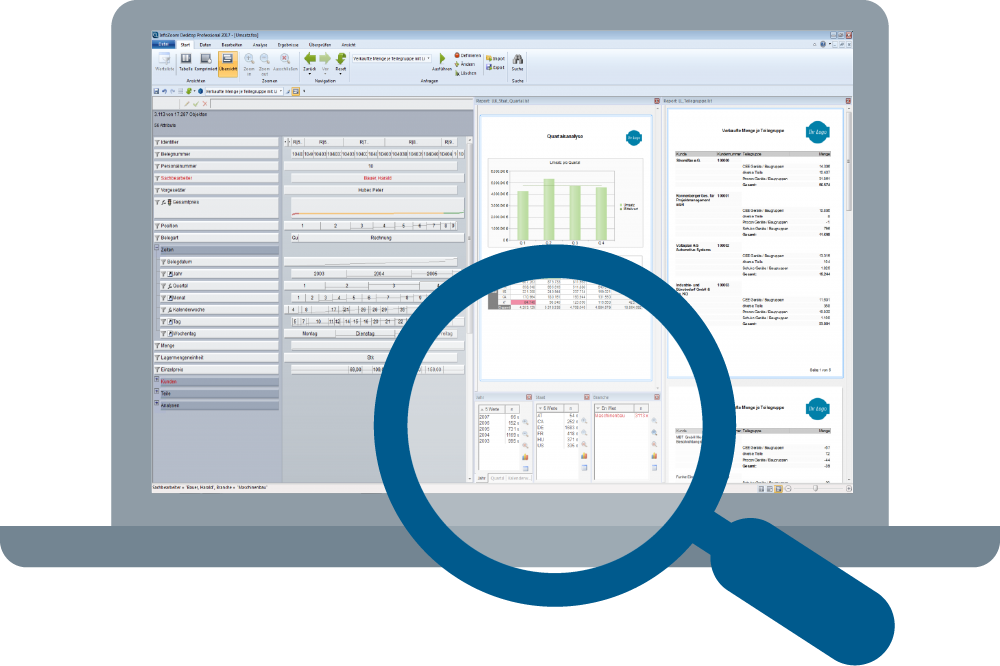
You can create key performance indicators, reports and charts in next to no time. Combine all elements with each other to create an interactive dashboard that offers drill-down functions. If required, you can export your results to Excel with one click. Numerous integrated export formats offer you a variety of ways to further process your data. You can supplement the internal reporting and chart options with an optional List & Label component.
The optimal supplement to ERP, CRM and BI solutions in almost every industry
The tool supplements existing systems in the fields of ad-hoc data analyses and agile data quality management. It’s the Swiss army knife among the data analysis tools.
What can we do for you? Consulting – let’s investigate your data together.
What can we do for you? Consulting – let’s investigate your data together.
You want to get an impression of your data basis? You’re about to launch a DQ project? There’s a bit of a problem somewhere? Practice makes perfect – our experienced consulting team will be happy to support you in any phase of your data project.